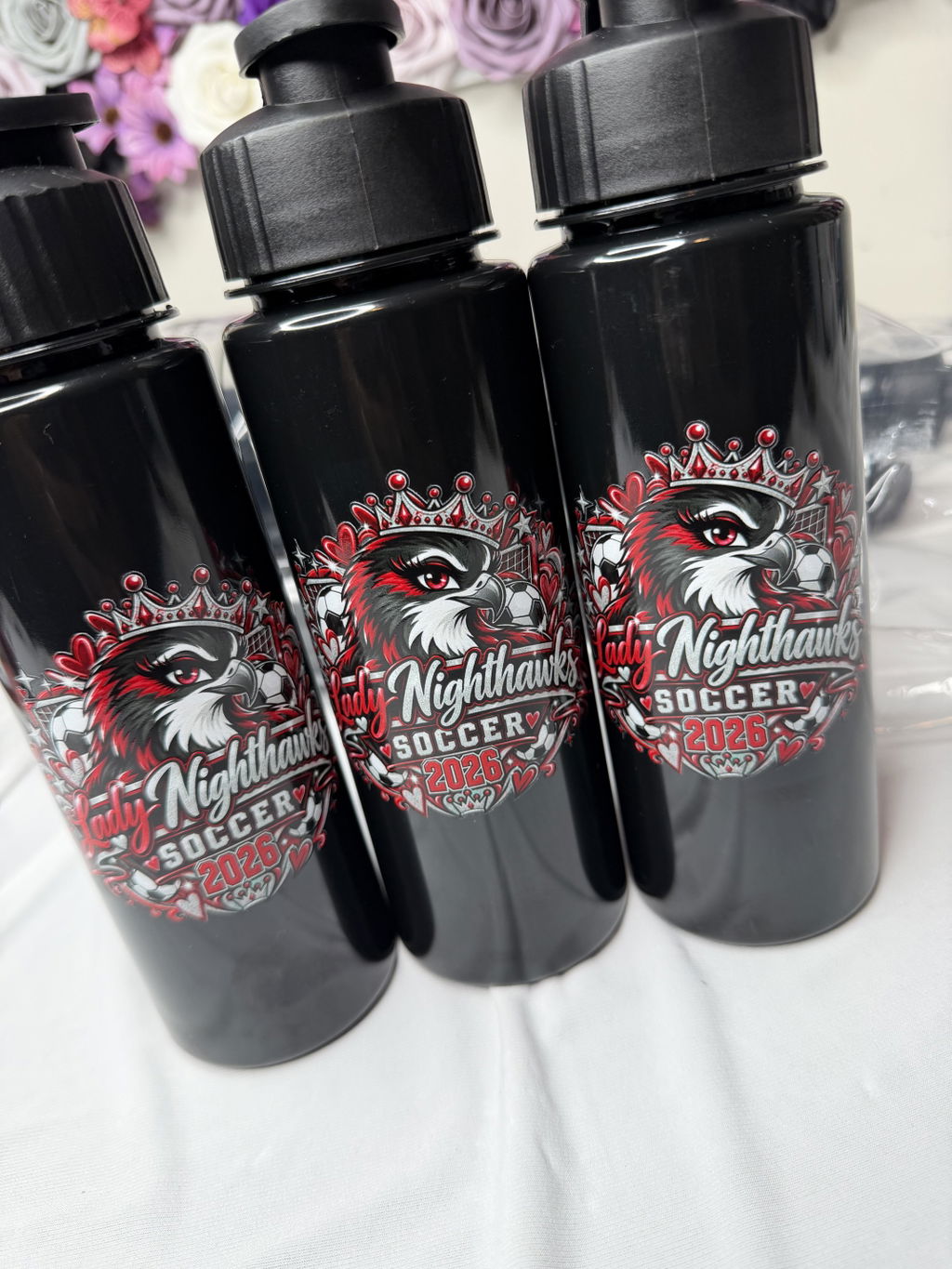
VIBRANT COLORS
•ORDER TODAY. PRINT TODAY. SHIP TODAY
•PREMIUM DTF TRANSFERS
•NO MINIMUMS
•FREE SHIPPING OVER $100
•DTF Gang Sheet · Franklin TN · Multi-Design Apparel Orders

A multi-design apparel order can get complicated quickly. One shirt may need a large front graphic and a small sleeve logo. Another group may use the same artwork at a different print size. Add names, numbers, logo variations, or different quantities, and a simple transfer order becomes a production-planning job.
For apparel orders like these, a DTF gang sheet can help organize multiple designs within the same print layout. The goal, however, is not simply to fit as much artwork as possible onto a sheet. A good plan keeps each design connected to the right garment, print size, and quantity from artwork preparation through cutting and sorting.
If you are comparing DTF options for a broader Franklin order, start with our DTF transfers in Franklin, TN guide. Here, we will focus specifically on planning gang sheets for apparel orders that involve multiple designs, sizes, or repeat graphics.
Before thinking about where each graphic should go on a gang sheet, map the order itself. Identify every design-to-garment combination that needs to be produced.
For example, an order might include a large front design for adult shirts, a smaller version for youth garments, a sleeve logo, and individual names or numbers. Visually, that may look like only a few pieces of artwork. From a production standpoint, however, each combination of design, print size, placement, and quantity needs to be tracked separately.
A simple working list can include four pieces of information for every transfer group: design name, final print size, garment or placement, and quantity. Instead of recording only “Logo A,” for example, a production-oriented label such as “Logo A — front — large — 24” makes the intended use much clearer.
This becomes especially useful when one garment needs more than one transfer. If 40 shirts each require a front graphic and a sleeve logo, think of the order as 40 complete sets rather than two unrelated groups of 40 transfers.
The graphics do not need to sit next to each other on the actual sheet, but their quantities should stay connected in your order plan. That makes it easier to catch a mismatch before production rather than discovering later that you have enough front graphics but not enough sleeve logos.
A custom DTF gang sheet can combine different graphics in one print file, but that does not mean every available design should automatically be placed on the same sheet.
Start with natural production groups. Front and sleeve graphics for the same apparel project may make sense together. Different logo variations for the same order can also form a logical group, as can names and numbers that belong to one team, event, or garment batch.
Avoid combining unrelated artwork solely to fill every open space if doing so makes the transfers harder to identify after printing. A small gain in layout efficiency may not be useful if it creates extra work when the transfers need to be cut, sorted, and matched to garments.
Consider an order for 40 shirts with one front design and one sleeve logo per shirt. Your production target is not simply 40 large graphics plus 40 small graphics. It is 40 complete garment sets.
Keeping that relationship visible in the order plan helps you verify quantities before the gang sheet is finalized and gives you a clearer system for sorting the transfers afterward.
The same artwork may need more than one final print size. A logo could be smaller on youth shirts, larger on adult garments, and smaller again when used as a sleeve mark.
Track those versions separately rather than treating them as one generic artwork file. Clear naming such as “BrandLogo-front-large,” “BrandLogo-front-small,” and “BrandLogo-sleeve” can make it easier to distinguish versions while preparing the layout.
Final print sizes should also be decided before the sheet is built. Changing the dimensions of several graphics after the layout has already been organized can affect the entire arrangement and the number of repeats that fit within it.
Five different designs on a gang sheet do not necessarily need five equal quantities. Real apparel orders often have uneven repeat counts. A primary logo might be needed 50 times, a secondary graphic 12 times, and a sleeve mark 30 times.
Names and numbers require even closer attention because visually similar elements can still represent separate production items. If a garment needs number 12 and another needs number 17, each must be accounted for correctly even if both use the same style and size.
Set the required quantity for each production item before filling open areas in the layout. This keeps the sheet tied to the actual apparel order instead of allowing available space to determine how many copies of each design are produced.
Gang sheet planning should account for what happens after printing. Once individual transfers are cut apart, someone still needs to identify them and match them to the correct garment or order group.
When a sheet contains several small logos, names, numbers, or size variations, keeping related graphics in logical groups can make that process easier. Use the same naming system in your artwork files and order list so the production plan remains understandable from preparation through sorting.
This is why the most space-efficient layout is not automatically the most practical layout. When evaluating an arrangement, consider both how the sheet uses space and how easily the finished transfers can be separated into usable garment sets.
If an apparel program is likely to reorder the same designs, the first gang sheet can become a useful production reference. Keep consistent artwork names, record the final print sizes, and retain the connection between each transfer and its intended garment or placement.
For the next order, update quantities rather than automatically reproducing the previous sheet. A sleeve logo that was needed 30 times in the first run may only be needed 12 times in the next. The artwork can remain consistent while the production count changes.
A well-organized first order therefore saves more than layout time. It gives future orders a clear starting point without assuming that every repeat order will have identical quantities.
Gang sheets are particularly useful when an apparel order contains multiple designs, several print sizes, or repeated smaller graphics that can be organized into one production plan. Front-and-sleeve combinations, logo variations, names and numbers, and mixed garment groups are common examples.
The decision is not simply about whether an order is large or small. A smaller order with many different graphics may benefit from a gang sheet, while a high-quantity order using one design at one size may be simpler to manage another way.
If you are deciding between the two ordering formats, our guide to DTF gang sheets vs. transfers by size covers that comparison in more detail.
Not every multi-design project needs a gang sheet. If an order has a straightforward artwork list, fixed print sizes, and quantities that are easy to track individually, ordering custom DTF transfers by size may create a simpler workflow.
The same applies when building, cutting, and sorting a gang sheet would add unnecessary organization for your team. Choose the format based on the complete workflow: how many artwork variations you have, how many final print sizes are required, and how the finished transfers will be distributed to garments.
A gang sheet builder is where you arrange artwork; it should not be where you first decide what the order contains. Before building the layout, confirm the artwork list, final print sizes, quantities, and garment assignments.
Once those decisions are complete, layout work becomes much more straightforward. If you need help with the tool itself, use our separate DTF Gang Sheet Builder step-by-step guide rather than mixing builder instructions into the production-planning process.
Before sending the order into production, compare your garment list with your transfer plan one last time:
If those answers are clear, the gang sheet is doing more than combining graphics into one file. It is supporting a production plan that keeps designs, quantities, sizes, and garments connected throughout the order.
For a multi-design apparel order, good gang sheet planning starts before the layout. Map each graphic to its garment, confirm print sizes, set the correct repeat quantities, and think through how the transfers will be sorted after production. That preparation is especially valuable when the same order includes front and sleeve graphics, different logo sizes, names, numbers, or repeat designs.
For broader local ordering information, continue with the Franklin DTF transfers guide. If your multi-design order is already mapped and ready for layout, you can move on to the DTF gang sheet ordering option.