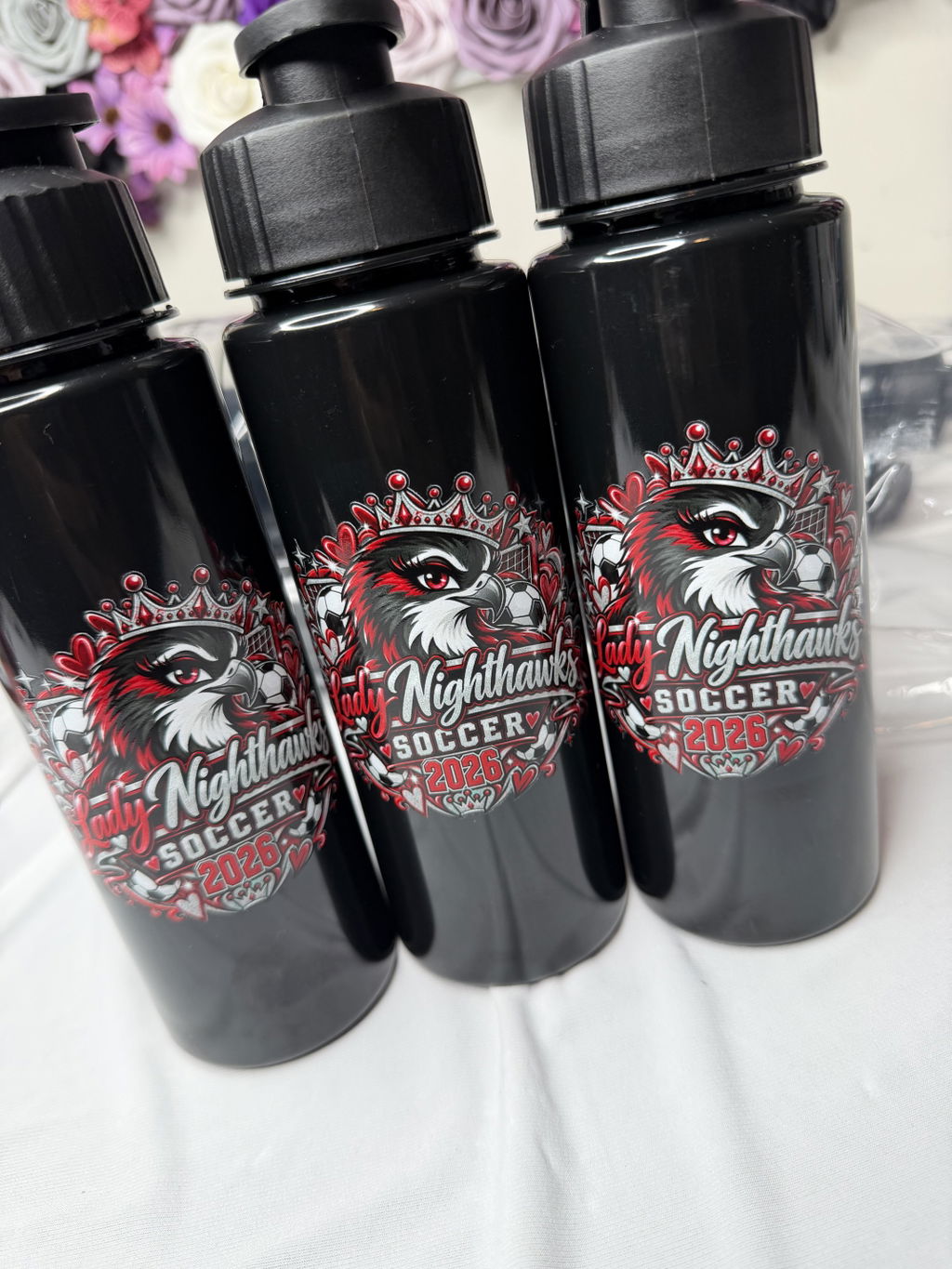
VIBRANT COLORS
•ORDER TODAY. PRINT TODAY. SHIP TODAY
•PREMIUM DTF TRANSFERS
•NO MINIMUMS
•FREE SHIPPING OVER $100
•Bulk Apparel Orders · Repeat DTF Orders · Wholesale DTF Transfers

Planning a wholesale or bulk DTF transfer order is not simply a matter of ordering more transfers at one time. For apparel brands, print shops, teams, and organizations managing recurring group orders, the bigger advantage comes from not rebuilding the same artwork and production decisions from scratch every time a new order is needed.
For businesses in Franklin, TN with recurring DTF transfer needs, a practical repeat-order system should make it clear which artwork file is approved, which print size is associated with each design, which transfer format is being used, and how many transfers are required for the current order. Quantities may change, new designs may be added, and the fulfillment method may vary, but keeping the core production information organized can make each new order easier to prepare.
For a broader look at local transfer options and ordering decisions, start with our Franklin DTF transfers guide. This article focuses specifically on building a repeatable system for bulk, wholesale-style, and recurring apparel orders.
An apparel order does not become difficult to manage only when the quantity gets large. A moderate-size job can require just as much organization when it involves several recurring designs, multiple print sizes, changing quantities, or different garment groups.
That is why the first step in bulk planning is not looking for an assumed minimum quantity. Instead, identify what repeats from one order to the next. Is the same logo used every month? Do certain garment groups consistently use the same print size? Do the artwork and placement stay the same while the quantities change? Are some designs permanent while others belong only to a specific event or apparel run?
Those answers define the structure of your repeat-order workflow. The goal is to separate information that can remain stable from information that needs to be reviewed for every new production cycle.
One of the most useful starting points for recurring transfer orders is a simple master order record. It does not have to be complicated software. What matters is that the same types of information are recorded the same way each time.
For each recurring transfer, it helps to track:
Some of those details may remain unchanged across several orders. The approved artwork and standard print size, for example, may stay consistent for a recurring company logo. The quantity should still be reviewed each time a new order is prepared.
This distinction matters because a repeat order should not mean automatically duplicating the previous order. A better approach is to start with production information that has already been organized, then update the parts that reflect the current garment demand.
A common organizational problem in recurring apparel work is treating the artwork file and the order quantity as if they were the same piece of information. They serve different purposes.
Approved artwork identifies the design version intended for production. The order quantity identifies how many transfers of that design are needed for the current production cycle. The artwork may remain unchanged for months while the required quantity changes with every order.
For example, a company logo might be used for several employee apparel orders throughout the year. One order could require 60 transfers, the next 25, and a later order a different quantity again. A change in quantity does not require treating the artwork as a new design.
Keeping those records separate makes the workflow easier to understand. When a new order comes in, you can verify that the approved artwork is still correct and then update the quantity based on the garments being produced now.
When the design itself changes, the new version should be clearly distinguishable from the previous approved file. If only the quantity changes, however, there is usually no organizational benefit in creating another artwork version solely to represent that new count.
This simple version-control habit makes repeat-order history much easier to follow. The person preparing the next order should not have to guess which logo file, revision, or artwork export was actually intended for production.
When the same design is ordered repeatedly, recording the final print size is just as important as keeping the approved artwork. Re-estimating dimensions every time a new order is prepared can undermine the value of having a repeatable workflow.
Store the confirmed print size with the artwork record. If the same design is used in more than one placement, track those versions as separate production items. A company logo used as both a front print and a sleeve mark, for example, should have each intended size recorded rather than relying on a single generic “logo” entry.
This is especially useful for apparel brands, print shops, team programs, and organizations that reorder the same graphics for different batches of garments. When the next quantity request arrives, the production decision is not “What size did we use last time?” The existing record provides the reference, and the current order can focus on what actually changed.
Standardized records also make it easier to review an order before submission. If a design appears at a size that differs from the established production record, that difference becomes visible and can be checked instead of passing unnoticed into the new order.
Bulk and repeat orders do not all need to use the same transfer format. Some recurring jobs involve one or two clearly defined designs at fixed print sizes. Others combine several graphics, sizes, and repeat counts in the same production cycle.
When direct quantity tracking for a defined artwork-and-size combination is the simpler workflow, custom DTF transfers by size may provide a straightforward ordering structure.
When an order includes several recurring graphics and organizing them together fits the production workflow, a DTF gang sheet may be another option to consider.
Choose the format that makes your artwork, print-size, and quantity records easier to manage from one order to the next. If you need a deeper comparison of the two approaches, see our guide to gang sheets versus transfers by size.
If a gang sheet containing recurring designs worked well for a previous order, it can become a useful production reference for the next one. That does not mean the previous sheet should automatically be reordered without review.
Start with the current apparel requirements. If the previous sheet included 30 repetitions of a logo but the new order needs only 18, the old layout no longer represents the current quantity. The same applies if a recurring design has been added, removed, or replaced since the previous run.
A more reliable way to think about gang sheet reuse is to treat the earlier sheet as a verified starting point rather than a permanent order. The artwork, print sizes, and general design grouping may remain useful, while the repeat counts still need to be checked against the current garment list.
This preserves the efficiency of an established setup without assuming that every repeat order is identical.
Not every artwork file in a bulk apparel workflow behaves the same way. Some designs are used repeatedly over a long period. Others belong to a single event, campaign, team season, customer request, or short-term apparel project.
Separating those categories in your order records can make future production planning much easier.
This separation keeps the core artwork library for recurring production from becoming buried among one-time files. When the next bulk order is prepared, the recurring list can serve as the starting point instead of requiring a review of every file from previous jobs.
For an apparel brand, that might mean keeping core logos and standard graphics together. For a print shop, it may mean maintaining organized records for recurring customer artwork. For an organization or team program, it can help distinguish permanent branding from graphics created for a particular group or event.
A useful order history should do more than show what was ordered in the past. It should leave enough information to make the next order easier to prepare and verify.
After an order is complete, maintaining a record of the following can provide a practical reference:
When the next order begins, use that history as a reference rather than automatically copying the old quantities. First confirm that the artwork and print sizes still match the current job. Then update the transfer counts based on the garments that actually need to be produced.
With that approach, order history becomes an active production-planning tool instead of a passive archive.
For a recurring DTF customer in Franklin, artwork format and quantity are not the only planning decisions. How the transfers will be received is another part of the workflow. Because DTF Nash operates from Nashville and local pickup is an available fulfillment option, Franklin customers can factor pickup versus shipping into the order-preparation process.
This decision should remain separate from assumptions about production or delivery timing. Choosing pickup does not by itself establish when an order will be ready, and choosing shipping does not create a fixed delivery date. Fulfillment planning is about deciding how the completed transfers need to move into the next stage of your apparel workflow.
For each recurring order, consider questions such as:
Answering those questions while the artwork, quantities, and transfer format are being reviewed can provide a clearer operational plan than deciding on fulfillment only after the rest of the order has already been prepared.
Before a repeat or wholesale-style order is submitted, compare the master order record with the current apparel requirements. A short verification pass can catch outdated quantities or file information before they become part of the new production cycle.
Once those seven areas are clear, the order is more than a large quantity list. It becomes a repeatable production workflow in which artwork, sizes, quantities, format, and fulfillment information can be reviewed together.
For an apparel business, print shop, team, or organization using DTF transfers repeatedly in Franklin, the most useful wholesale workflow starts with reusable production information rather than assumptions about minimum quantities, pricing structures, or discount programs.
Keep approved artwork organized. Record standard print sizes. Separate recurring designs from temporary artwork. Reconfirm quantities for every new apparel run. If you use gang sheets, treat the previous layout as a production reference instead of assuming the old repeat counts are still correct. If you order transfers by size, maintain a consistent record of the artwork-and-size combinations used for recurring jobs.
The purpose of the system is simple: when the next order arrives, you should already know which production decisions are established and which details need to be updated.
When your artwork, sizes, quantities, and fulfillment plan are ready, you can review the available DTF transfer options and prepare the next order from an organized production record rather than starting over from the beginning.