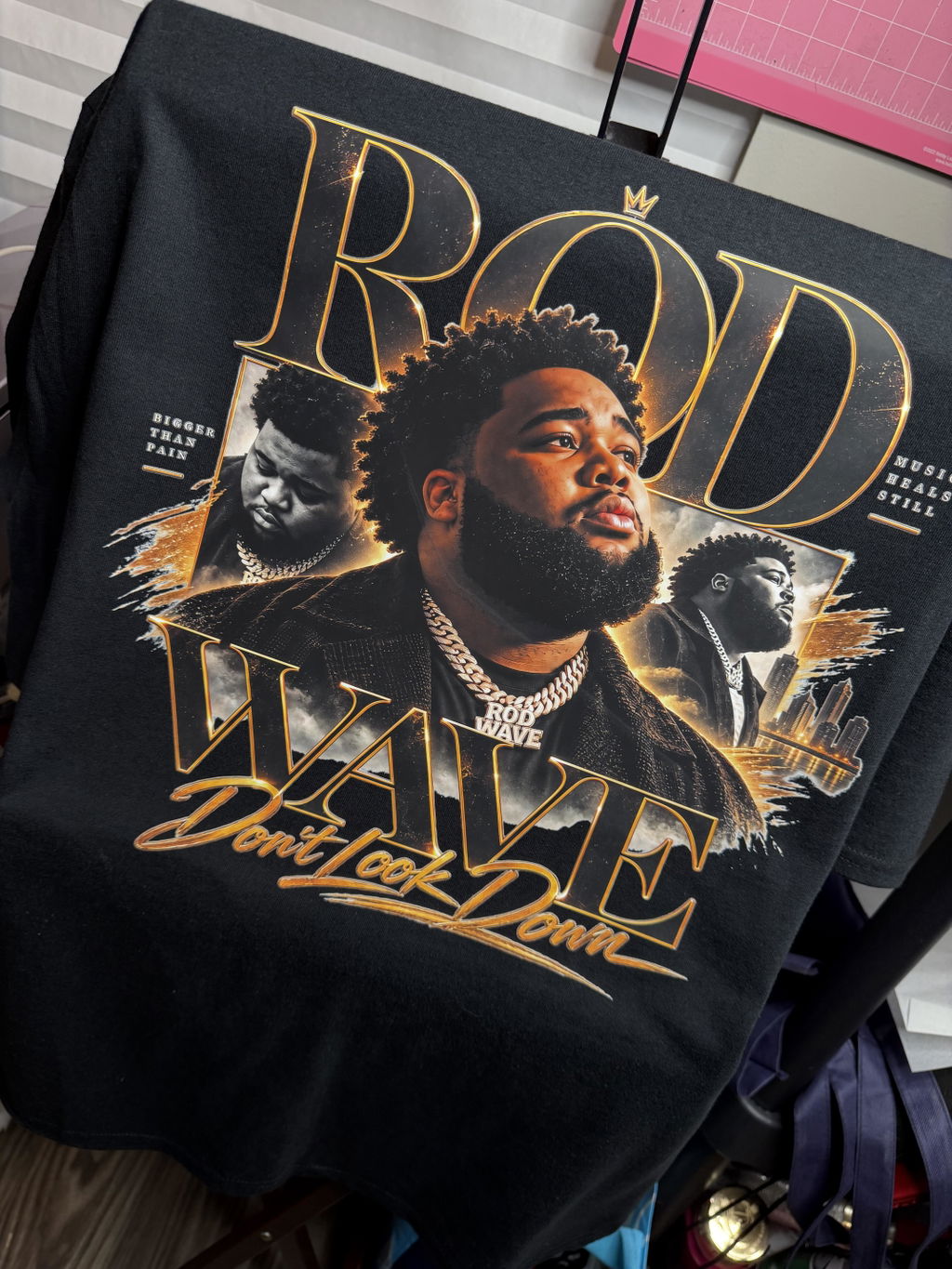
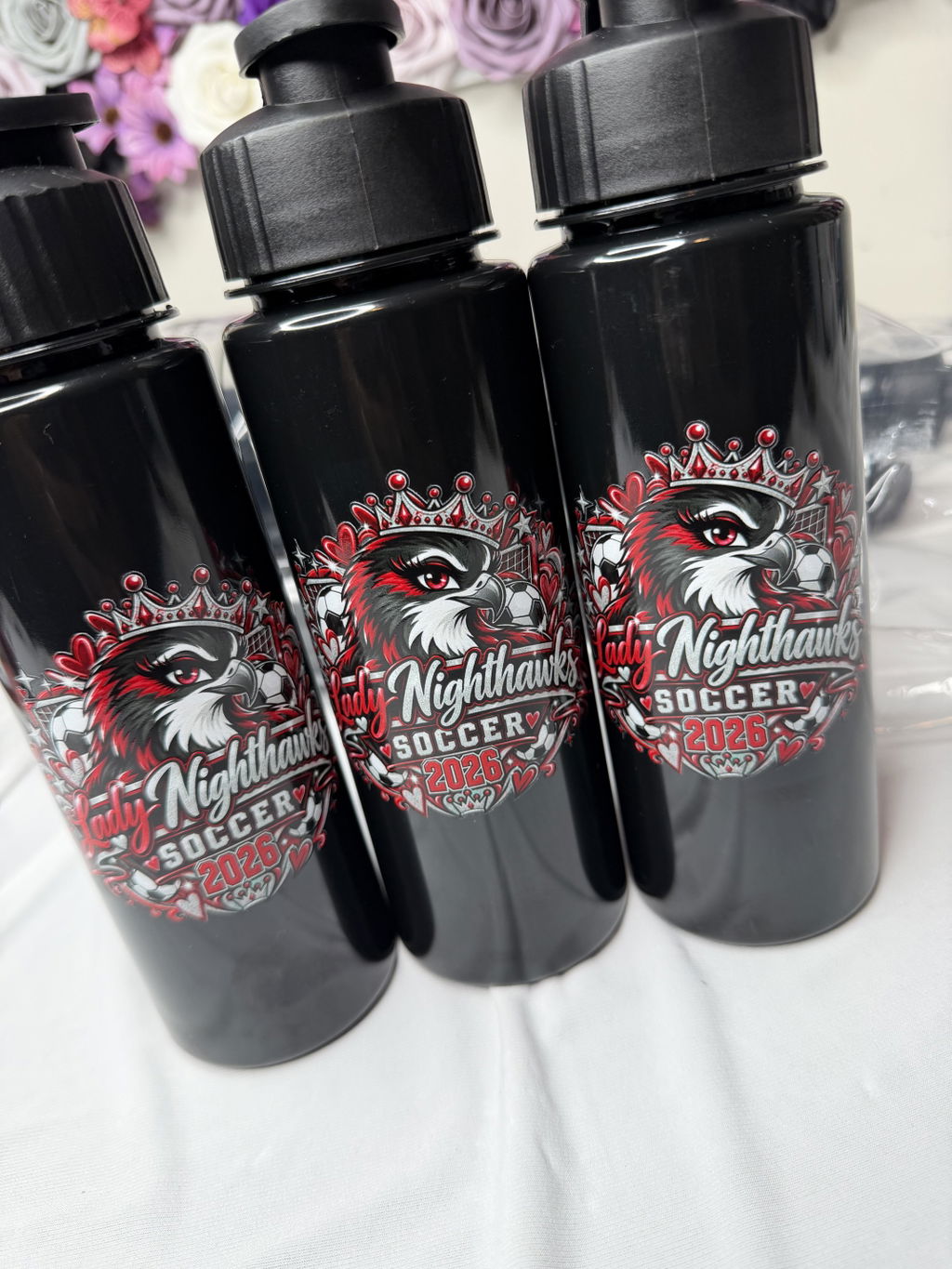
UV DTF Gang Sheet Builder

$7.01

Shipping calculated at checkout.

Transfer Height — 6"
Transfer Width — 22"
Build Your Custom Gang Sheet
⚠️

Important Artwork Guidelines

  • For best results, please upload at least a 300 DPI file with a transparent background.

  • 🚫

    Artwork should be clean and print-ready. No semi-transparent pixels or soft edge gradients.

  • Orders with unsuitable files may be placed on hold while we request an updated design.

Description

Glow In The Dark DTF Gang Sheets

Glow In The Dark DTF Gang Sheets are designed for orders where multiple glow designs are already arranged together in one completed layout. Upload the prepared sheet when you do not need to rebuild or reposition the artwork inside an online gang sheet builder.

This format works well for multi-design apparel projects that include logos, names, repeat graphics, artwork variations, or different transfer sizes within the same glow DTF layout.

When Should You Choose a Glow DTF Gang Sheet?

Choose a pre-arranged glow gang sheet when the full layout is already complete and ready to submit for production.

  • Multiple designs: Combine different logos, graphics, names, or artwork variations in one finished sheet.
  • Repeat artwork: Include multiple copies of the same glow design within the layout.
  • Different sizes: Organize transfers with different finished dimensions on the same sheet.
  • Completed layout: Upload the artwork without rebuilding the sheet in an online builder.

Prepare Your Glow Gang Sheet File

Your uploaded artwork should already be arranged as a complete gang sheet at the dimensions you intend to submit.

Review the Individual Designs

  • Use clean, high-resolution artwork.
  • Use a transparent background where transparency is required.
  • Check spelling, orientation, proportions, and design edges.
  • Review each graphic at its intended finished size.

Review the Complete Sheet

Check the full layout before uploading it. Confirm the positioning and spacing of the designs and make sure the overall dimensions match the gang sheet size selected for the order.

The completed file should represent the final arrangement you want submitted for production, not an unfinished collection of separate artwork files.

Glow Gang Sheet, Builder, or Transfers By Size?

The right glow DTF ordering format depends primarily on how your artwork is prepared.

Choose Glow Gang Sheets When

  • your multi-design layout is already complete,
  • the artwork is already sized and positioned,
  • you want to upload one finished glow gang sheet,
  • you do not need to rebuild the layout online.

Use the Glow Gang Sheet Builder When

If your designs are still separate and need to be resized or arranged into a finished layout, use the Glow In The Dark DTF Gang Sheet Builder.

Choose Glow Transfers By Size When

If you only need individual glow graphics at defined finished dimensions instead of a multi-design sheet, choose Glow In The Dark DTF Transfers By Size.

Glow Gang Sheets or Standard DTF Gang Sheets?

Choose the glow format when the specialty low-light effect is part of the intended design. If the project does not need a glow finish but still uses a completed multi-design layout, choose a standard DTF Gang Sheet.

Before You Upload Your Glow Gang Sheet

  • Confirm that the layout is complete.
  • Review the dimensions of the full sheet.
  • Check the size and positioning of each design.
  • Review spacing between individual graphics.
  • Check names, text, and spelling.
  • Make sure the submitted file reflects the layout you want produced.

To compare the available glow ordering formats, browse the Glow in the Dark DTF Transfers collection.

Product Features

Efficient High-Volume UV DTF Printing

Our UV DTF transfers allow you to apply logos, labels, and custom artwork directly onto hard surfaces with precision and ease. Perfect for streamlined production and cost-effective bulk customization.

Versatile Application Use

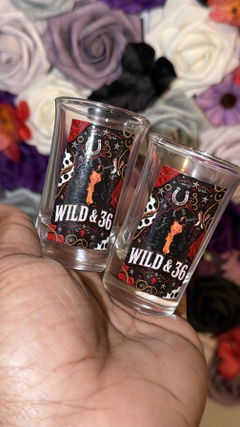
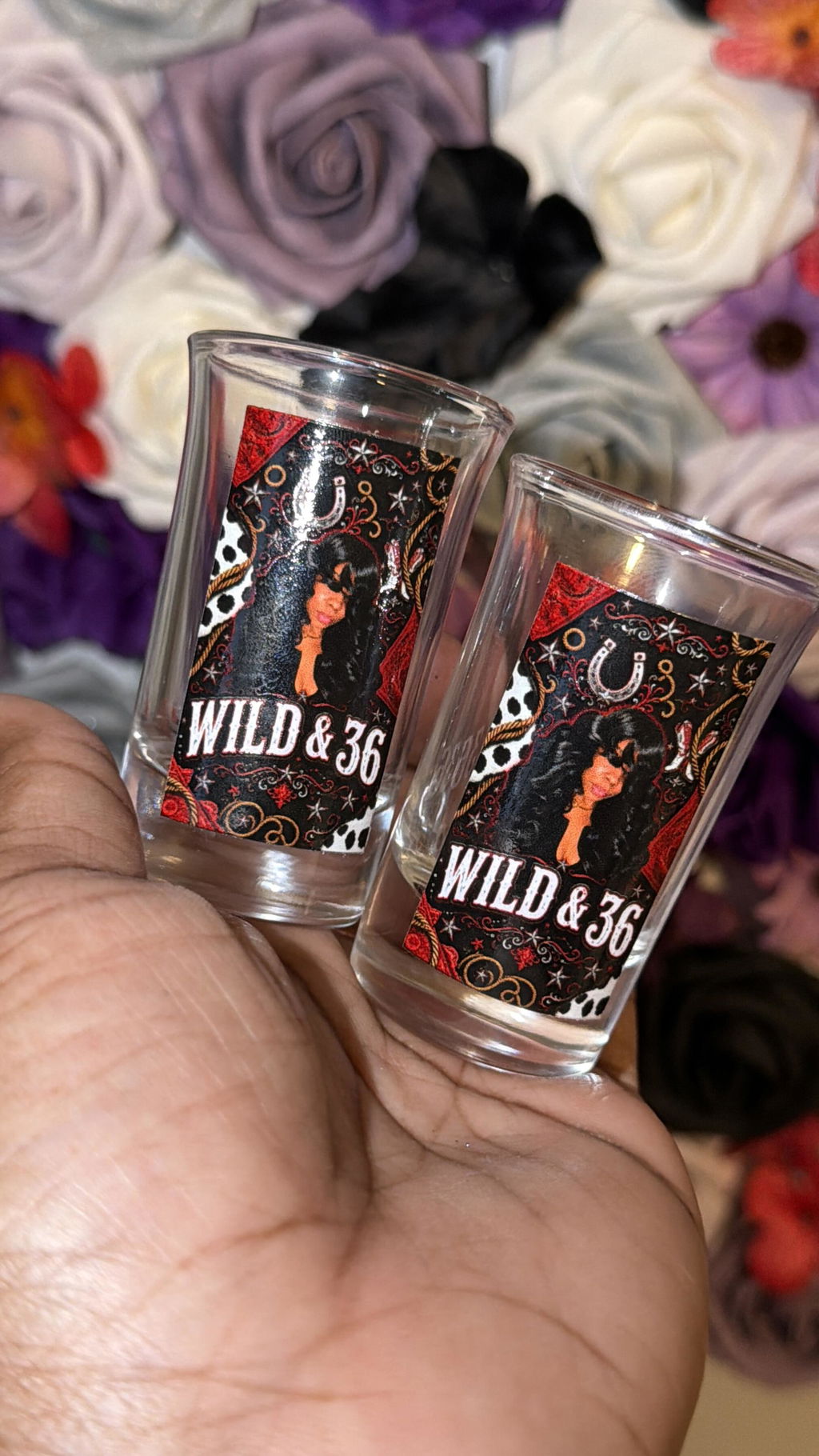
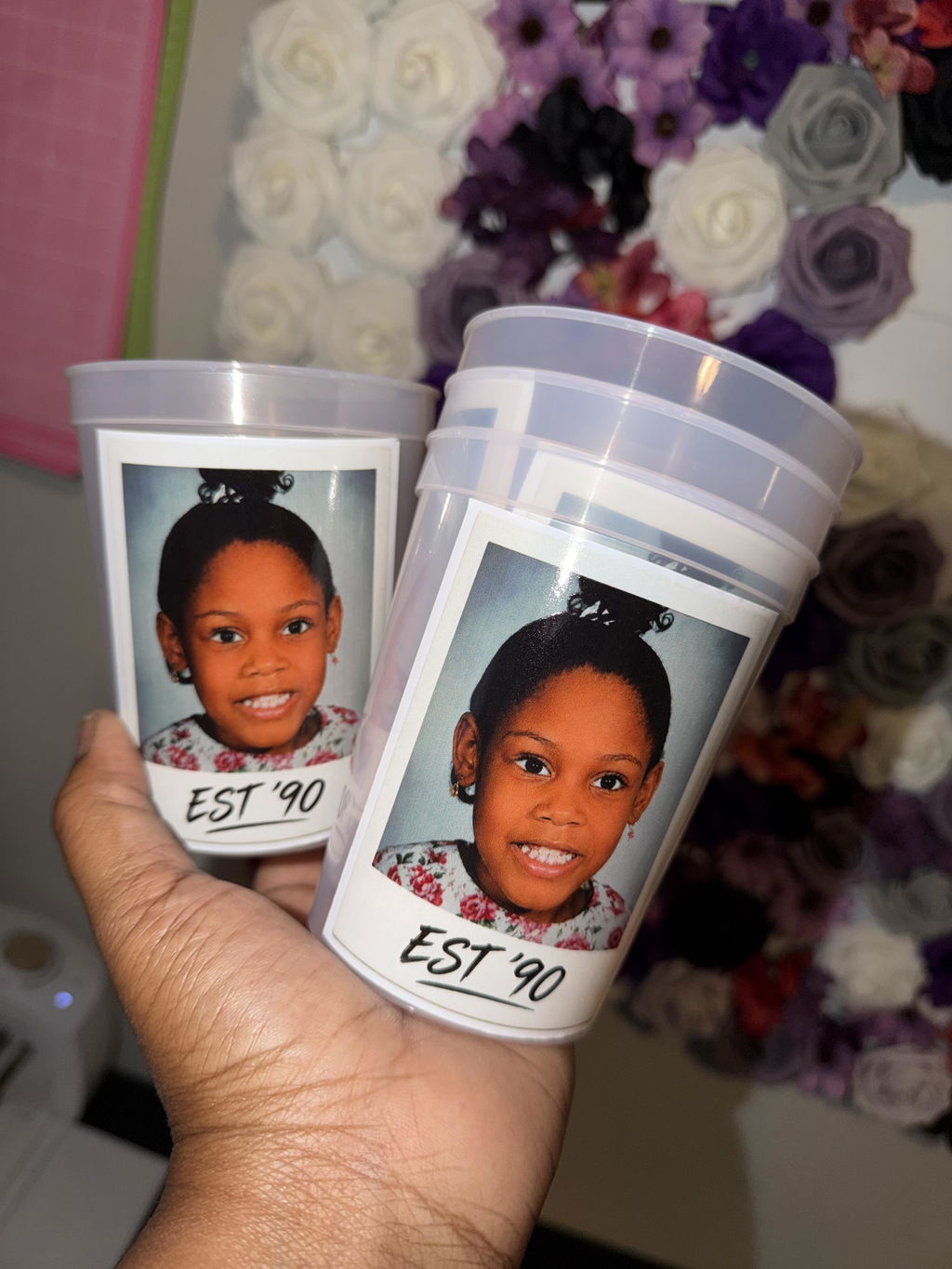
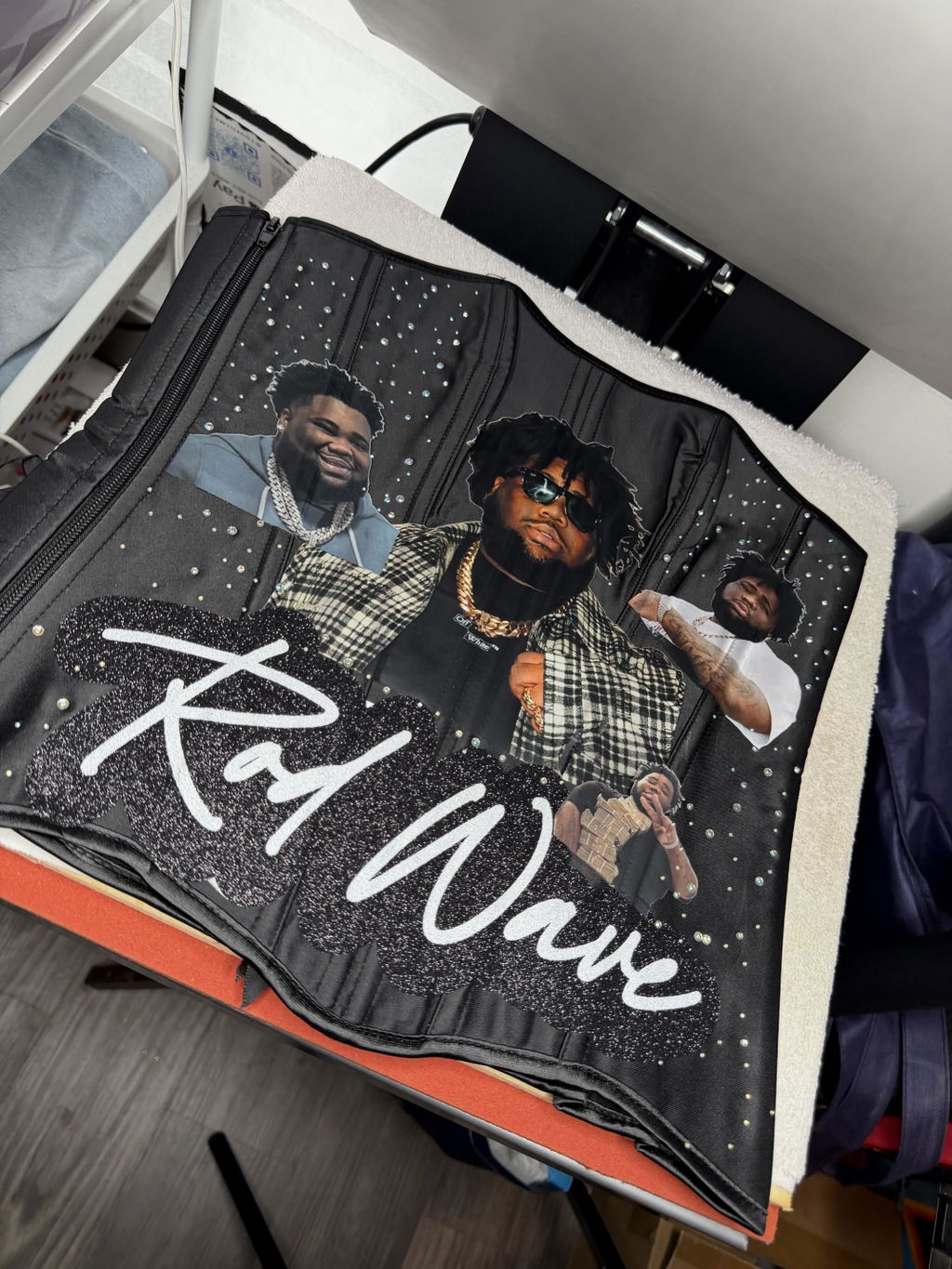
UV DTF transfers are ideal for a wide range of hard surfaces including glass, plastic, metal, wood, and more. Perfect for branding products, promotional items, packaging, and custom merchandise.

Print-Ready File Required

For fast and accurate results, your file must be fully prepared, sized, and ready for production. File editing is not performed unless requested as an additional service.

Premium UV DTF Print Quality

Our advanced UV printing technology delivers vibrant colors, sharp detail, strong adhesion, scratch resistance, and long-lasting durability. Professional-grade results for every application.

No Minimums – Order What You Need

Whether you need a small batch or large-volume production, our facility is fully equipped to handle orders efficiently at any scale.

Fast Production & Nationwide Shipping

Orders are processed quickly for fast turnaround. We offer reliable nationwide shipping across the U.S. for all UV DTF orders.

Upload Recommendations

Accepted File Types

Please upload your artwork in PNG (preferred) or PDF format. If transparency is required, make sure the background is transparent.

👉 Do not upload multiple separate files — all designs must be pre-arranged into a single gang sheet file before submission.


Resolution

Files must be created at a minimum of 300 DPI to ensure high print quality.

Low-resolution artwork may result in blurred or pixelated prints, and we are not responsible for poor output due to insufficient resolution.


Print-Ready Format

We do not edit, resize, or rearrange your designs.

Please ensure your file is fully prepared and ready for print. Double-check all spelling, colors, positioning, and alignment before uploading.


Bleed & Spacing

Leave at least 0.25” (¼ inch) of spacing between each design to allow room for cutting or trimming.

We do not automatically separate or cut your gang sheet unless the "pre-cut" option is selected during checkout.


Size Match

Your uploaded file must match the exact dimensions of the gang sheet size you selected (e.g., 22” x 60”).

Files that do not match may be rejected or automatically scaled, which could lead to image distortion.

Pressing Instructions

How to Apply Your UV DTF Transfers

Follow these verified steps for optimal results when applying your UV DTF transfers:

1. Clean and Prepare the Surface

Ensure the surface is clean, dry, and free of dust, oil, or residue. Use alcohol wipes if necessary for best adhesion.

2. Position the Transfer

Carefully place the UV DTF transfer onto the desired surface.

Make sure the design is aligned correctly before applying pressure.

3. Apply Pressure

Firmly press the transfer onto the surface using your hands or a squeegee.

Apply even pressure across the entire design to ensure full adhesion and eliminate air bubbles.

4. Peel the Carrier Film

Slowly peel off the top carrier film, ensuring the design stays adhered to the surface.

If any part lifts, press it down again and reapply pressure before continuing.

Optional: Final Press for Finish

For best results, gently press over the design again using a squeegee or soft cloth to secure edges and improve durability.

⚠️ Pro Tip: Always test on a sample surface before full application to ensure proper adhesion and compatibility with your material.

Satisfaction Guarantee

We are committed to delivering high-quality DTF transfers that exceed your expectations. Here’s our promise to you:

  • Free Reprints: If there’s an issue with print quality or adherence caused by an error on our end, we’ll reprint your order at no extra cost.
  • Hassle-Free Support: Contact us within 7 days of receiving your order if you’re not satisfied, and we’ll work with you to resolve any concerns.

Your satisfaction is our top priority, and we’re here to ensure you love the results every time!

Shipping information

Fast Shipping: All orders are shipped out on the same or next business day to get your transfers to you quickly.

Free Shipping: Orders over $99 automatically qualify for Free Shipping.

Express Options: Need it faster? Choose from express shipping options like Rush Delivery or our Guaranteed Delivery option (UPS Next Day Air Saver®) at checkout.

Learn More: For complete details, please refer to our Shipping Policy.