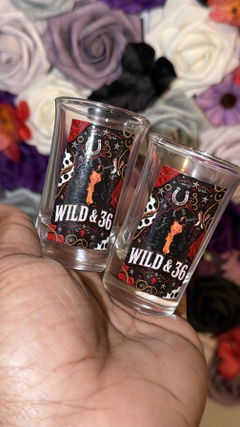
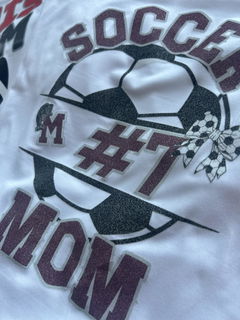
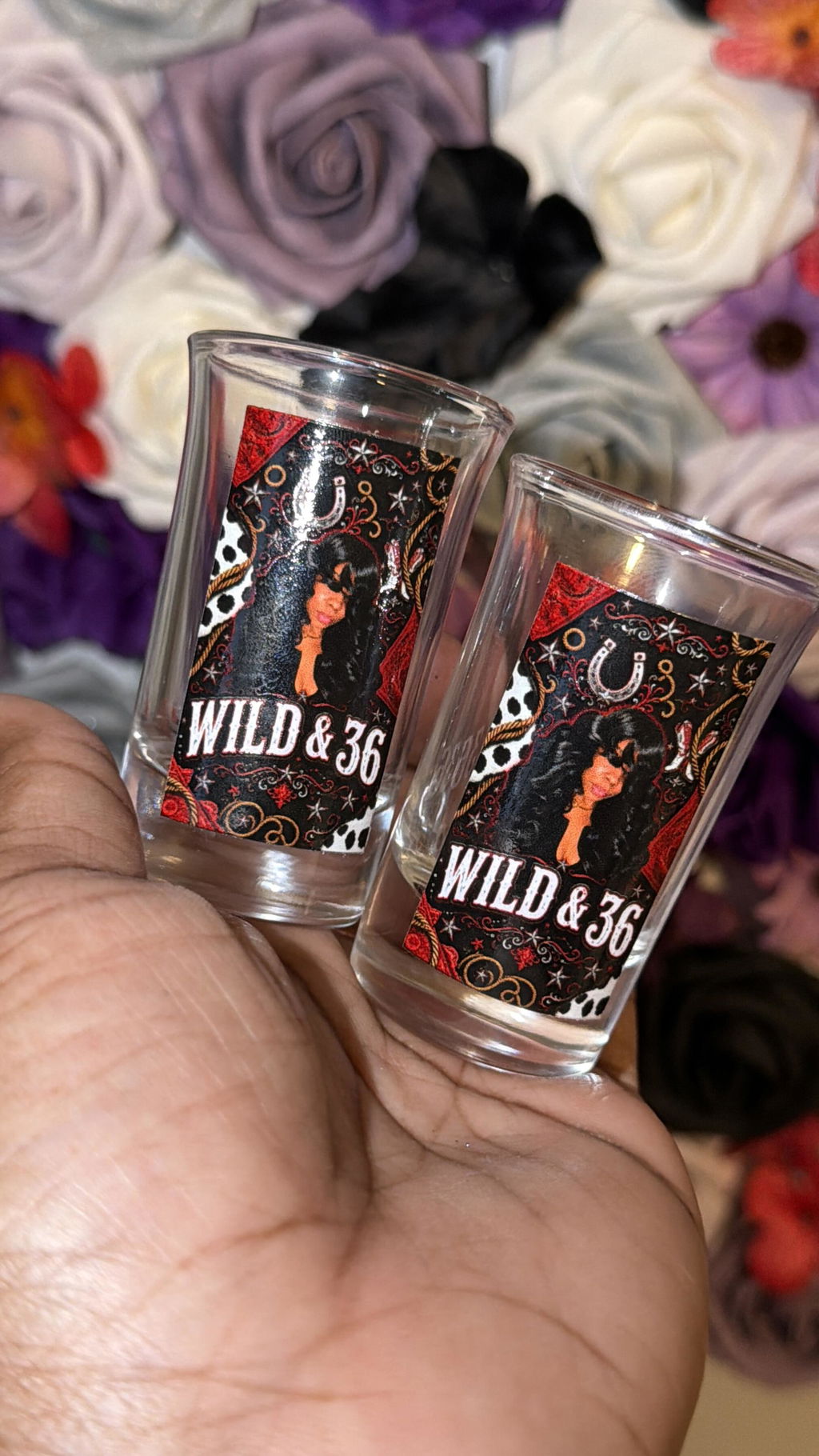
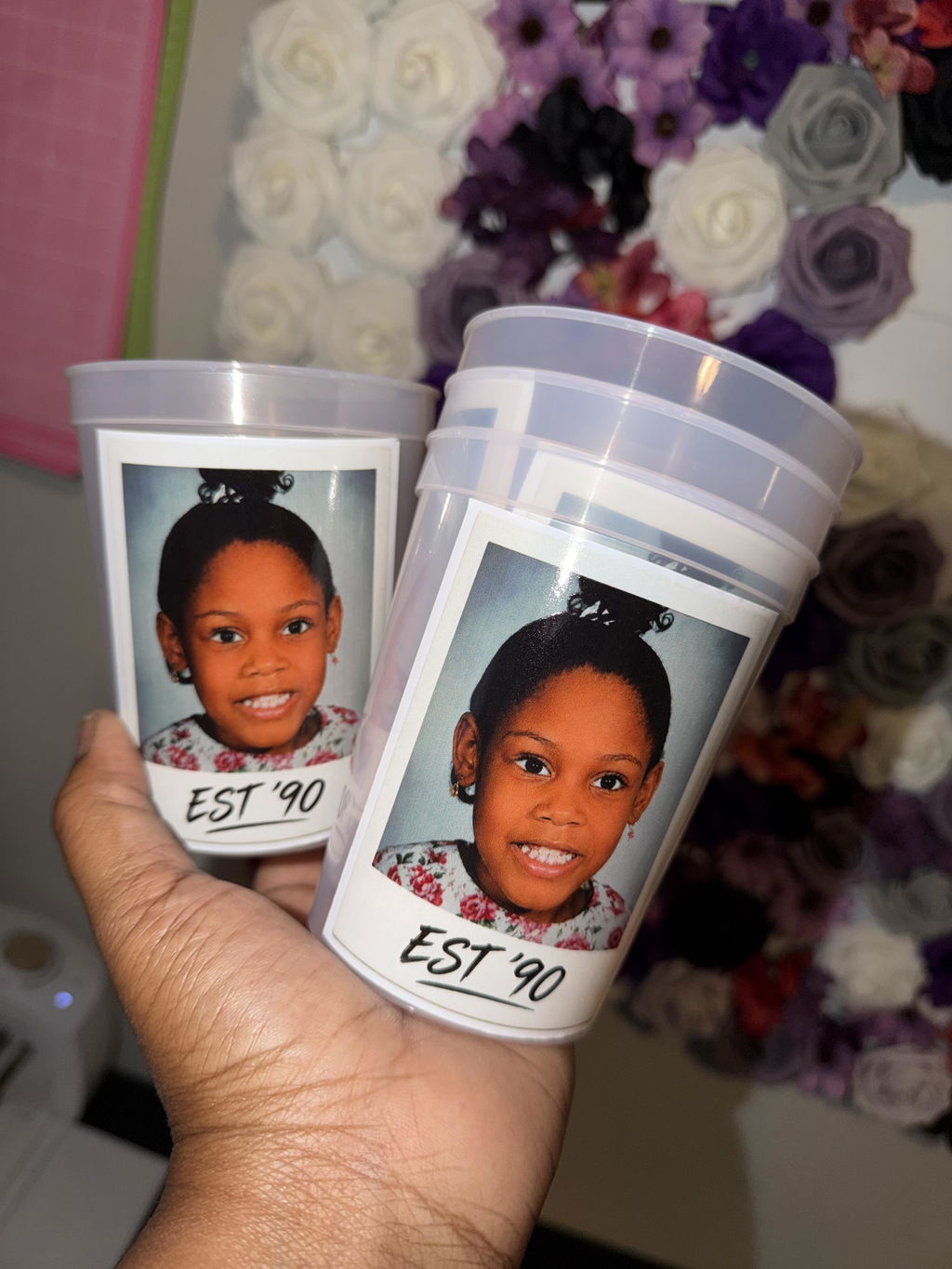
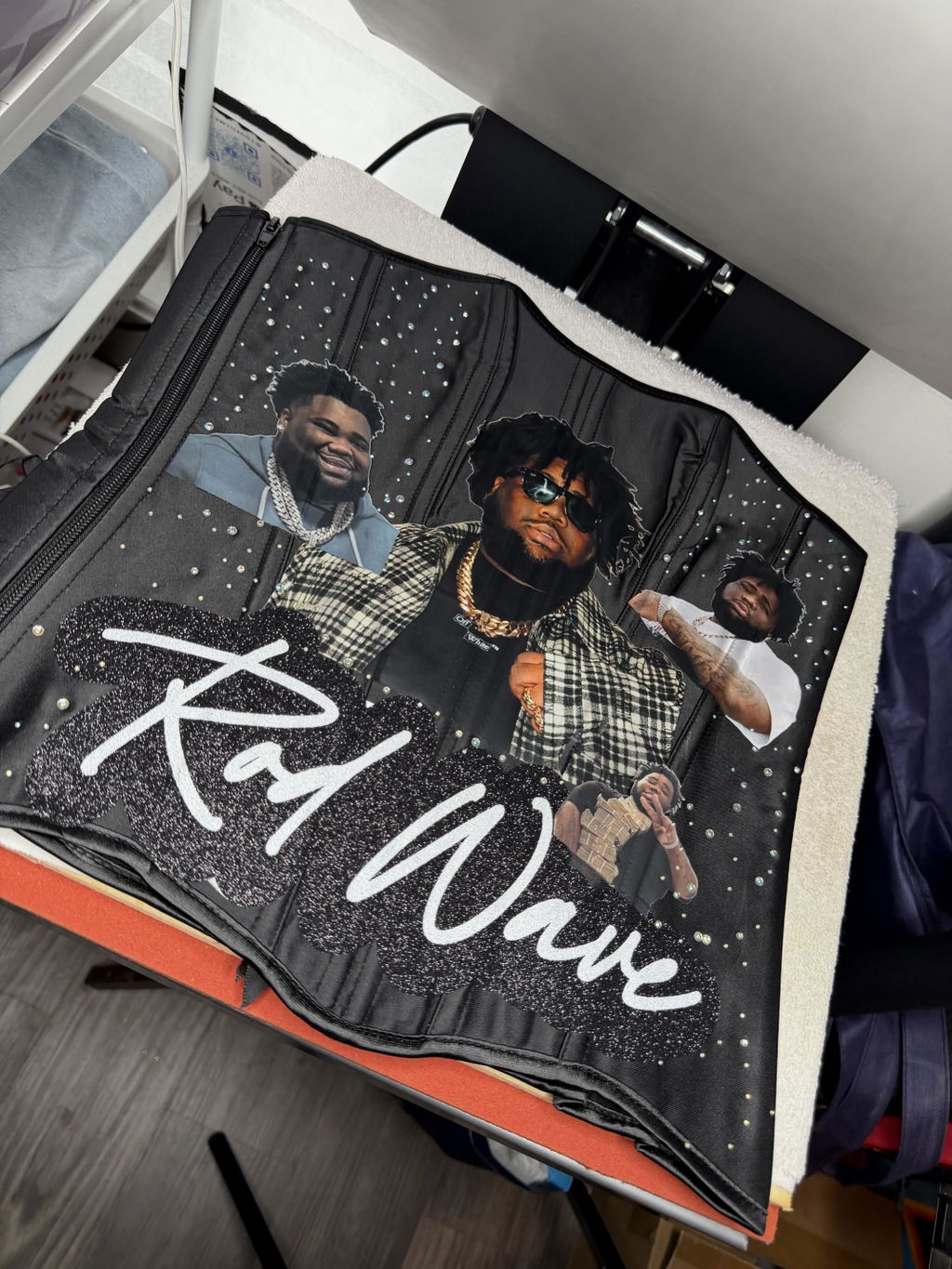
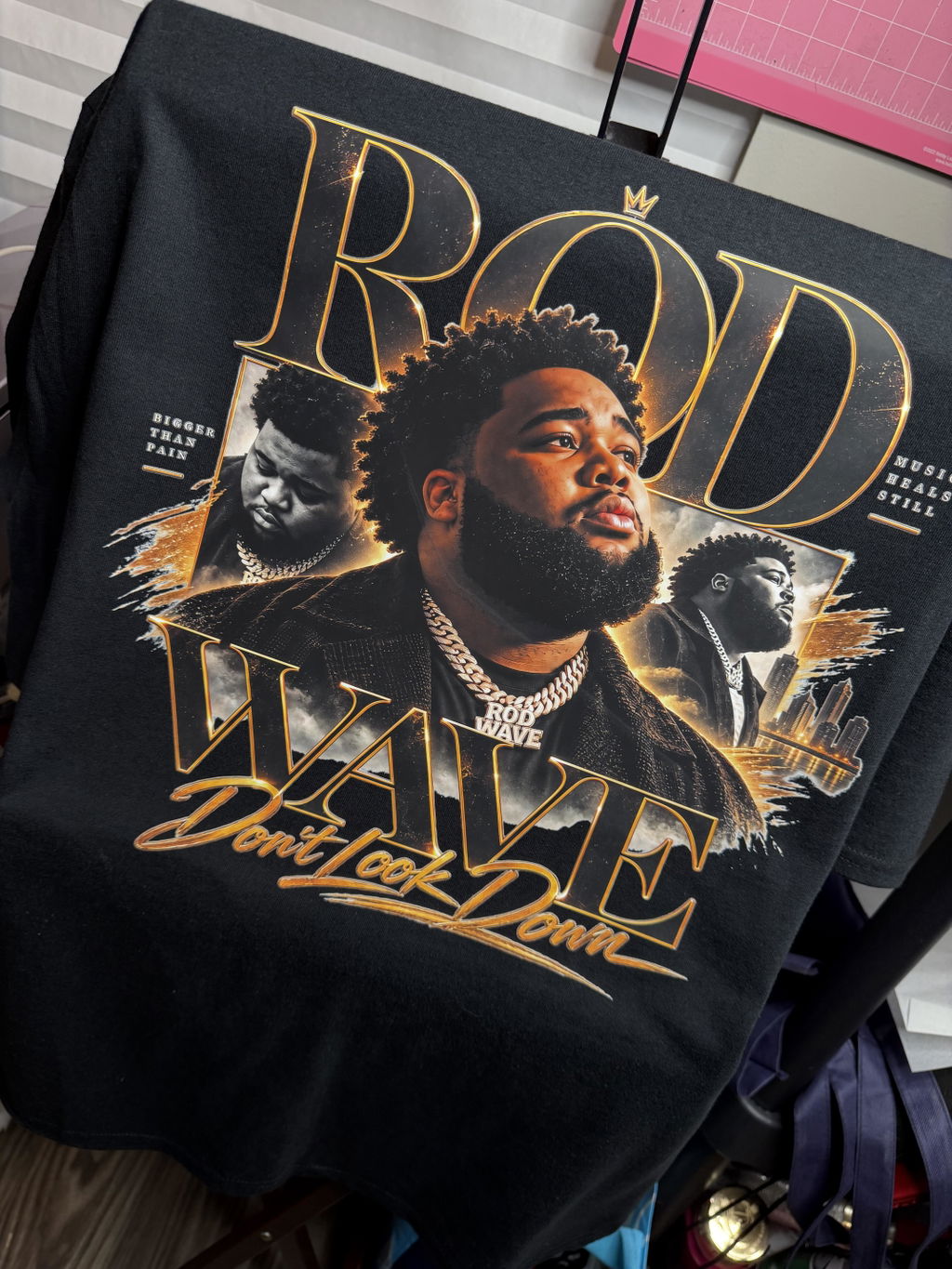
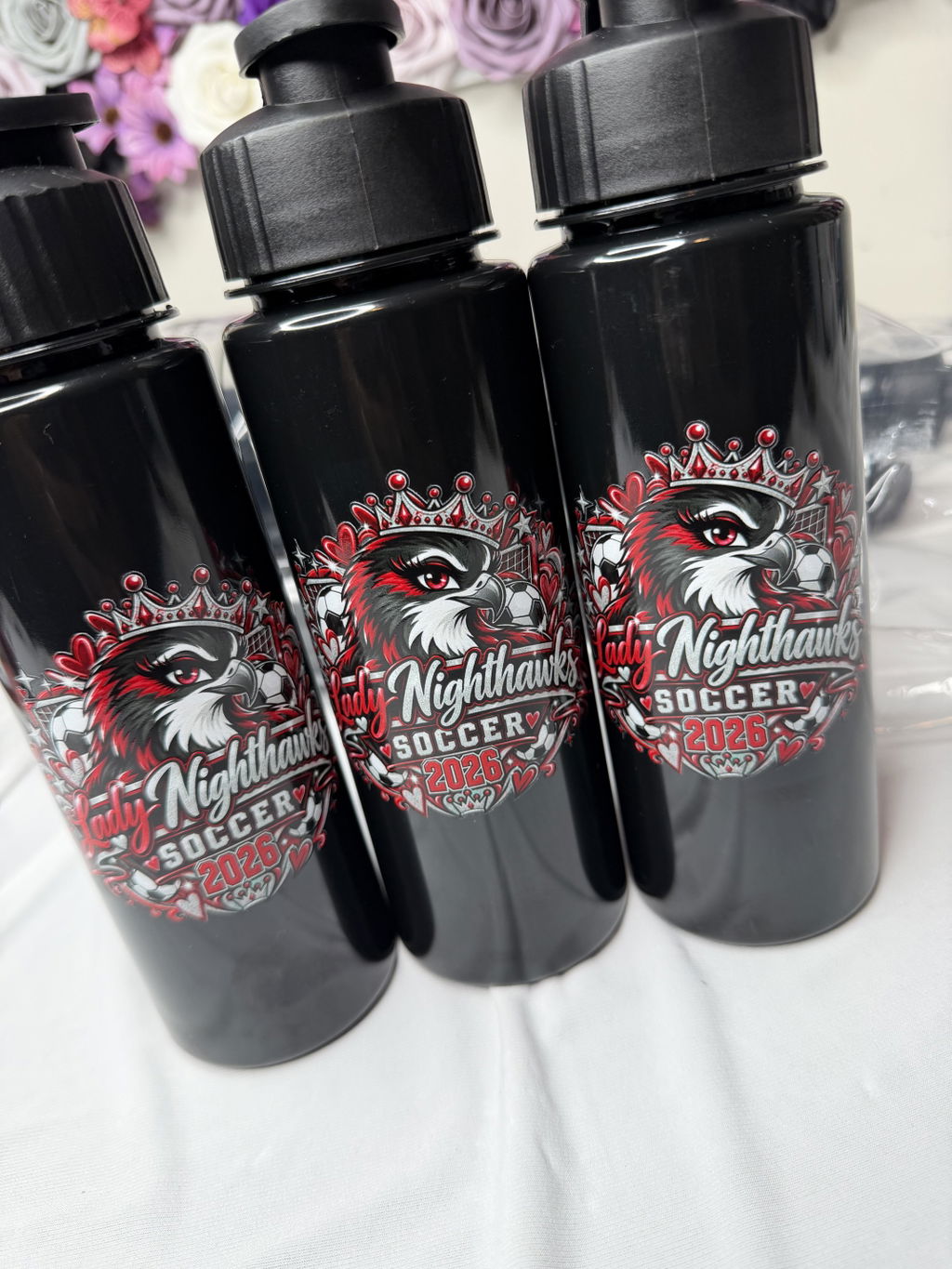
VIBRANT COLORS
•ORDER TODAY. PRINT TODAY. SHIP TODAY
•PREMIUM DTF TRANSFERS
•NO MINIMUMS
•FREE SHIPPING OVER $100
•
Shipping calculated at checkout.
For best results, please upload at least a 300 DPI file with a transparent background.
Artwork should be clean and print-ready. No semi-transparent pixels or soft edge gradients.
Orders with unsuitable files may be placed on hold while we request an updated design.
Use the Glow In The Dark DTF Gang Sheet Builder when you have multiple artwork files and want to arrange them together into one custom glow DTF layout before ordering.
This option is designed for projects that need a glow-in-the-dark finish together with the flexibility to resize and position several designs within the same gang sheet.
Need a standard finish instead? Use the standard DTF Gang Sheet Builder when your project does not require a glow effect.
The builder is the right format when your artwork is still separated into individual files and you want to create the finished multi-design layout yourself.
Start with clean, print-ready artwork so each design remains clear when it is resized and positioned inside the builder.
Check each piece of artwork after sizing it in the layout. Make sure the proportions, spelling, placement, and dimensions match what you intend to use on the finished apparel.
The right glow DTF ordering format depends on how your artwork is currently prepared.
If your designs are already organized into one completed print-ready layout, use Glow In The Dark DTF Gang Sheets instead of rebuilding the sheet.
If you need individual glow artwork at defined finished dimensions rather than a multi-design layout, choose Glow In The Dark DTF Transfers By Size.
Choose the glow builder when the specialty effect is intended for darker or low-light settings. If the project needs a sparkle-focused finish instead, compare the Glitter DTF Transfers Gang Sheet Builder.
We are committed to delivering high-quality DTF transfers that exceed your expectations. Here’s our promise to you:
Your satisfaction is our top priority, and we’re here to ensure you love the results every time!
Fast Shipping: All orders are shipped out on the same or next business day to get your transfers to you quickly.
Free Shipping: Orders over $99 automatically qualify for Free Shipping.
Express Options: Need it faster? Choose from express shipping options like Rush Delivery or our Guaranteed Delivery option (UPS Next Day Air Saver®) at checkout.
Learn More: For complete details, please refer to our Shipping Policy.
YOU MAY ALSO LIKE
Check out these similar DTF products that our customers also love.